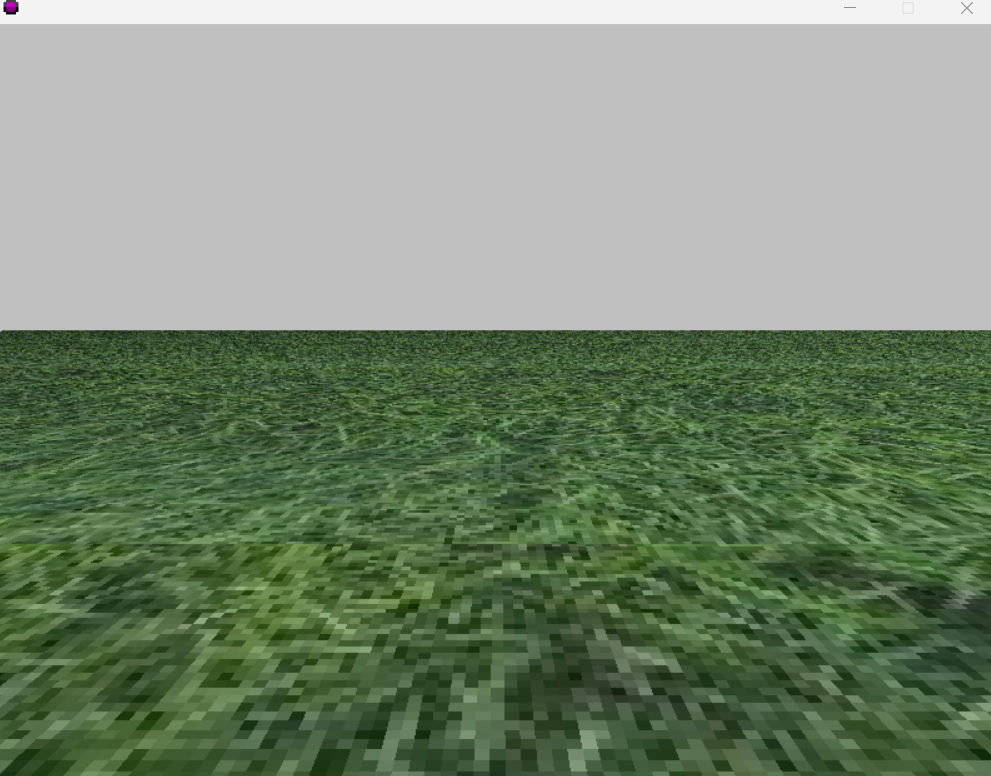
Creating a 3d scene in GameMaker 8
This tutorial expects you to know the BASICS of GameMaker 8
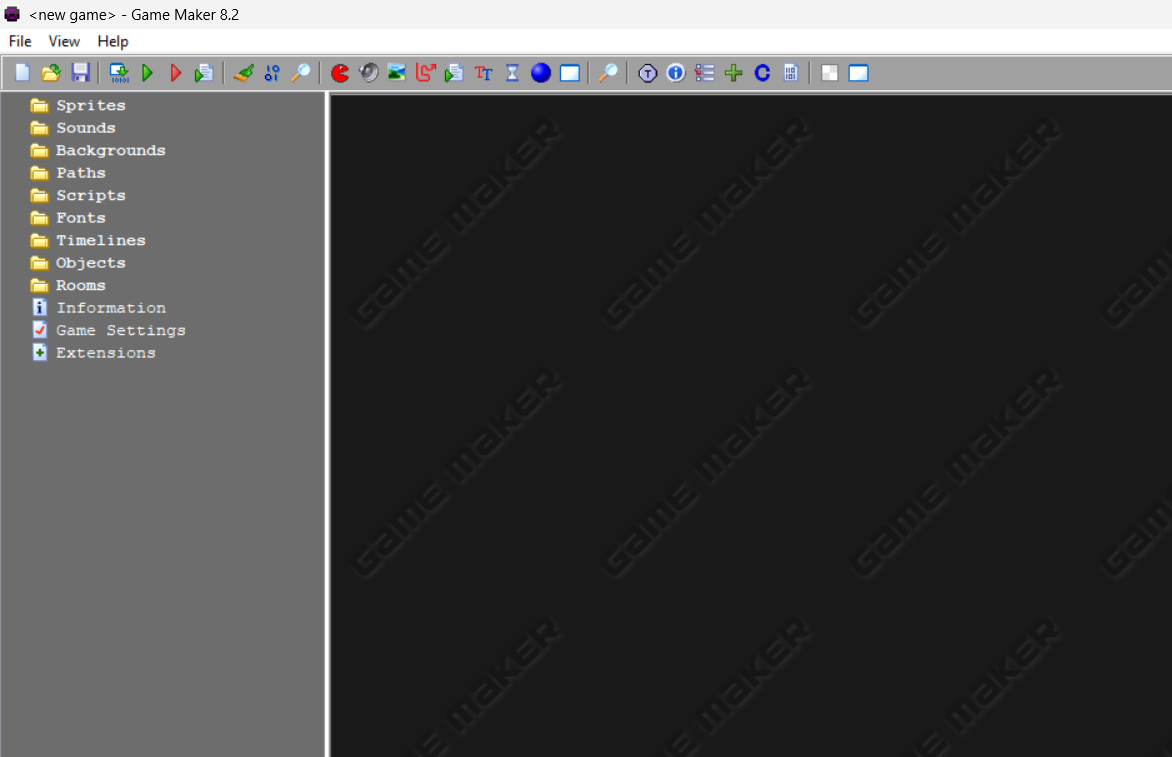
Start with an empty project in GameMaker 8 ~ GameMaker Studio 1.4
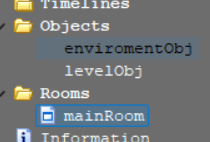
Create 2 objects, and 1 room (the naming isnt specific, just name em' whatcha want.)
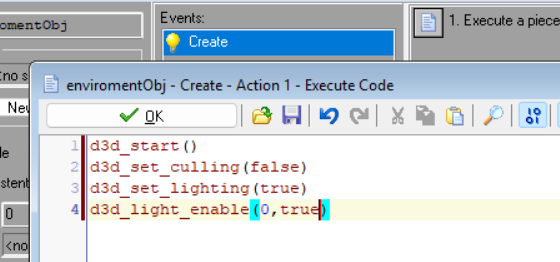
Create a Create Event in the enviromentObj with this script, you can turn on or off culling, though turning it on removes the visiblilty of planes
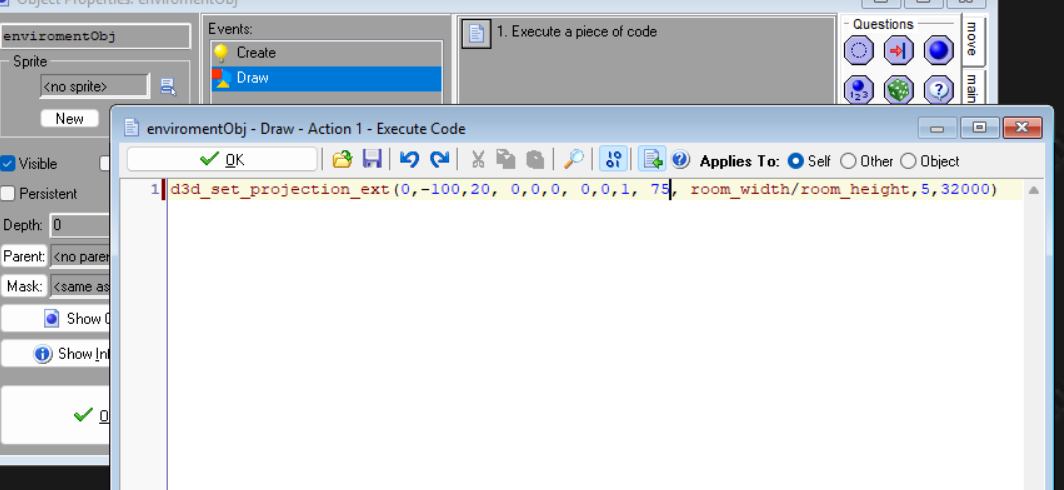
Next, create a Draw event with this code, change 75 with the FOV you want, change 32000 with the drawDistance you want ;)
(also make sure to place enviromentObj & levelObj in a Room!)

Finally, we should have.... Oh.,
Part 2 : Drawing SOMETHING to the screen
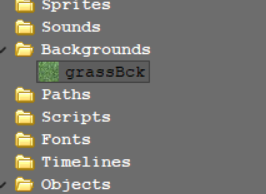
Create a background! For me, I made a grass background.
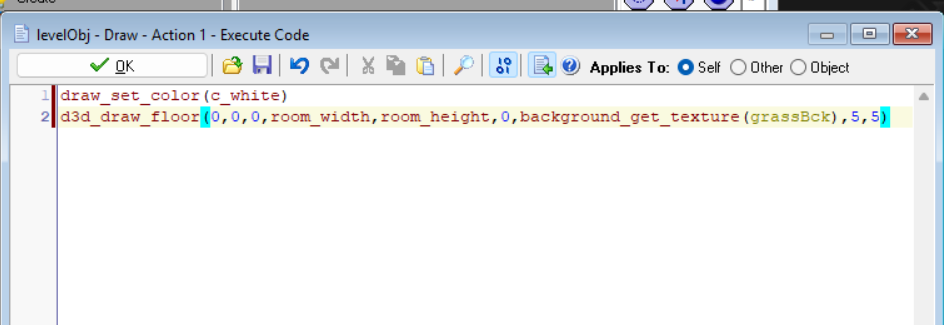
Now, put this piece of code into the draw event of levelObj, change the 5s to change the tile. Now to time see what we made!

Oh....

Don't worry! Just add this line of code and alter the positions aaaaaaaannnnnnnnnnnnnndddddddddddddd...